Mobile apps
How to Build a Flutter MVP Backed by a Node.js API
Flutter mobile app development is a good fit for a first version: one codebase reaches iOS and Android, and a small Node.js API holds the business logic. This guide walks through how I plan and build that pairing, from concept to store release.
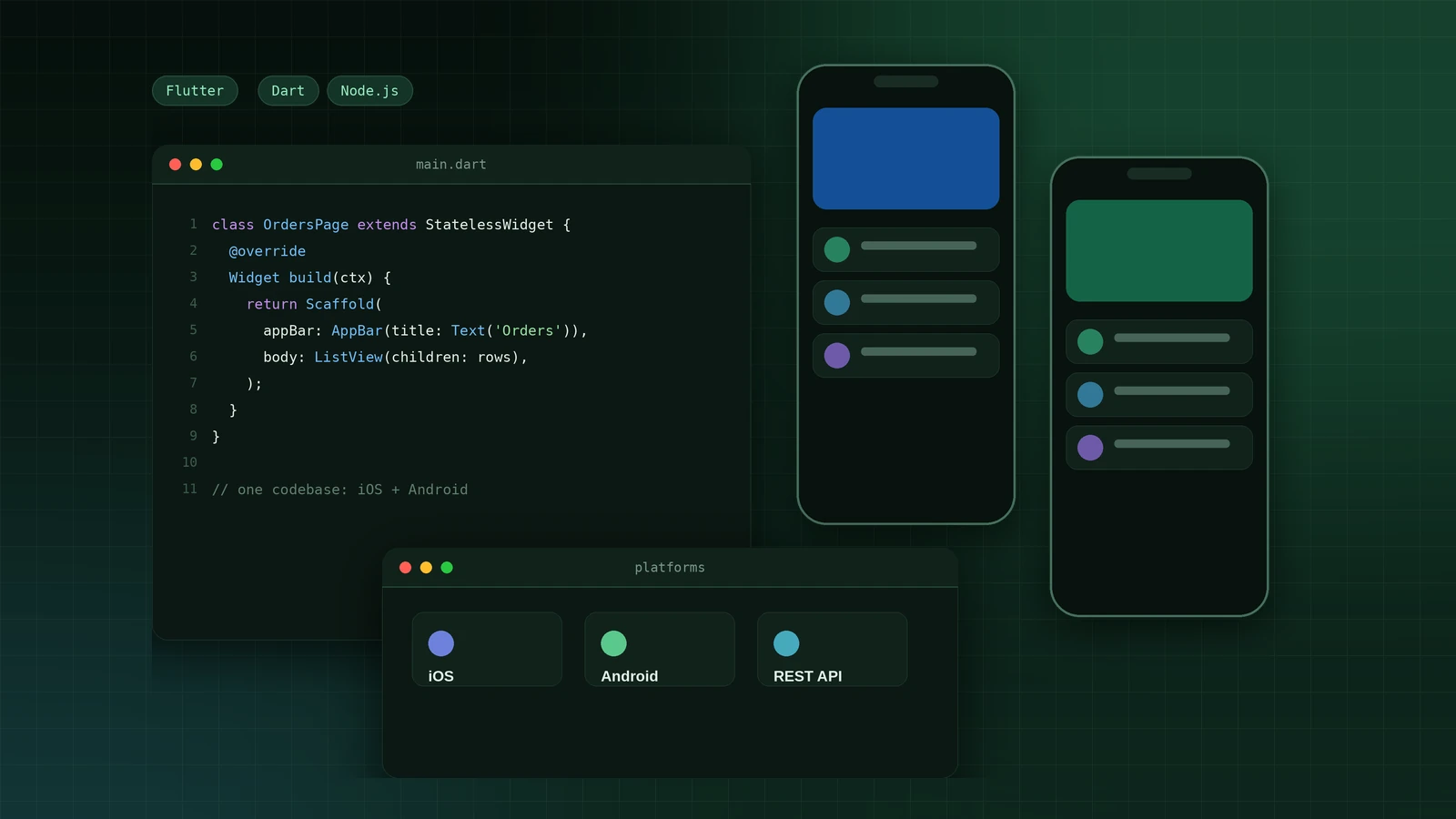
Why Flutter plus Node.js works for an MVP
A mobile MVP has two jobs: get in front of real users quickly and stay cheap to change. Flutter helps with the first, because one Dart codebase produces both an iOS and an Android app. A Node.js API helps with the second, because the rules of your business live in one place, and the same API can later feed a web dashboard, an admin panel or a second app.
I am a freelance full stack developer with more than 20 years in corporate IT, so I look at the whole product, not only the screens. The advice below is the approach I use when a founder asks me to turn an idea into a working app and a backend that can grow.
What a Flutter MVP with a Node.js backend includes
- A Flutter app for iOS and Android with the three to six screens that carry the core workflow
- A Node.js REST API with authentication, a database and the business rules
- Sign-in with email, Google or Apple, and secure token handling in the app
- Optional payments, push notifications and third-party integrations
- A small admin dashboard so your team can see and manage the data
- Automated tests, a build pipeline and store release preparation
Step 1: Define the one workflow and the data behind it
Before writing code, write one sentence: who the user is, and the one thing they must be able to do. A delivery app might be "a customer places an order and sees its status". That sentence decides your screens and your database tables.
Then sketch the data. For an order flow that is usually users, products, orders and order items. Getting these right early saves the most rework, because the API, the app models and the admin dashboard all depend on them.
Step 2: Design the API before the screens
I design the API first and give the Flutter developer, which is often me, a short list of endpoints to build against. Keep it plain REST with JSON, for example POST /auth/login, GET /orders, POST /orders and PATCH /orders/:id/status.
In Node.js I usually use Express or Fastify with PostgreSQL or MongoDB, request validation on every route, and one consistent error format. Document the endpoints from day one, so the app, the dashboard and any later integration share the same contract.
Step 3: Choose a simple Flutter architecture
Resist heavy architecture in an MVP. A clean three-layer split is enough: a data layer that talks to the API, a layer that holds state, and the widgets that draw the screen. This keeps screens easy to change when users give feedback.
For state management, Riverpod or Bloc are both solid. Riverpod is lighter to start with; Bloc gives strict structure for larger teams. Either works for an MVP, and consistency matters more than the choice itself. Use a typed API client such as Dio or the http package, and generate Dart models from your API shapes so a backend change shows up as a compile error, not a crash.
Step 4: Build the UI from reusable pieces
Flutter ships with Material widgets that look right on both platforms. Build a small set of your own components first: a button, an input, a list tile and a loading state. Every screen then reuses them, and the app looks consistent without a large design phase.
Handle the unhappy paths early: empty lists, slow networks, expired sessions and server errors. Users meet these on day one, and an app that handles them calmly feels finished even when the feature list is short.
Step 5: Add authentication, payments and push notifications
These three integrations account for most of the surprises in a mobile MVP, so plan them deliberately.
- Authentication: short-lived access tokens with refresh tokens, stored in the platform secure storage, never in plain preferences
- Payments: use a provider that offers a mobile SDK, such as Stripe, and let the Node.js API create and confirm the payment so card details never touch your server
- Push notifications: Firebase Cloud Messaging delivers to both platforms; the API stores each device token and sends a message when an order or booking changes
- Third-party APIs: call them from the backend, not the app, so keys stay secret and you can change providers without a new app release
Step 6: Test what matters
You do not need a huge test suite for an MVP, but a few tests pay for themselves. Write API tests for login, the core workflow and permission rules. In Flutter, add unit tests for the logic layer and a handful of widget tests for the main screens.
Then test on real phones. Simulators hide problems with keyboards, notches, slow connections and background behaviour. Weekly builds that you install and use yourself catch these early.
Step 7: Set up CI/CD and deployment
Automate the boring parts from the first week. A pipeline on GitHub Actions can run the tests on every push and build the Flutter app. The Node.js API goes into a Docker container on a small cloud server, behind HTTPS, with environment variables for secrets and a daily database backup.
For release, create the store accounts in your own name: Apple Developer at $99 a year and Google Play at a one-time $25. Plan time for review, because the first App Store submission often needs a round of fixes to screenshots, privacy text or sign-in details.
A realistic MVP timeline
The exact schedule depends on scope, but a focused Flutter app with a Node.js API and a small admin view often follows this rhythm: week one for scoping, data model and API design; weeks two to four for the core screens and endpoints, with an installable build each week; week five for payments, notifications and polish; week six for testing, store preparation and handover. More user types, more integrations or a marketplace model add weeks, as my MVP cost guide explains.
Flutter or React Native for a startup?
Both can ship a good MVP. I recommend Flutter when you want a highly consistent interface on iOS and Android and your team has no strong JavaScript mobile background. React Native can make sense when you already have a React web team and want to share people between web and mobile. For a founder starting fresh with a small budget, Flutter is usually the faster, more predictable route, and it pairs cleanly with a Node.js backend.
Work with me on your Flutter MVP
I build the Flutter app and the Node.js backend together, work in weekly builds you can install, and hand over documented code on your own accounts. I work remotely from Karachi with clients in the USA, UK, Canada, Australia and the Middle East. Send me a few lines about your users and the one workflow that matters, and I will reply with questions and a suggested first version.
From idea to a released Flutter MVP in three steps
- A short call to agree the users, the core workflow and the data behind it.
- Weekly installable builds of the app, with the Node.js API deployed alongside.
- Store release preparation, documentation and handover on your own accounts.
- Flutter
- Dart
- Node.js
- REST APIs
- PostgreSQL
- MongoDB
- Stripe
- Firebase Cloud Messaging
- Docker
- GitHub Actions
Frequently asked questions
- Is Flutter good for building an MVP?
- Yes. One Dart codebase produces both an iOS and an Android app, which shortens the first release and cuts maintenance. It is a strong choice when you want a polished, consistent interface on both platforms.
- Why use Node.js as the backend for a Flutter app?
- Node.js is quick to build REST APIs with, has a large library ecosystem, and handles authentication, payments and push notification logic well. The same API can later serve a web dashboard or another app.
- How long does it take to build a Flutter MVP?
- A focused app with a Node.js API and a small admin view often takes around six weeks. More user types, integrations or a marketplace model can take ten weeks or more.
- Which Flutter state management should I use?
- Riverpod and Bloc are both solid. Riverpod is lighter to start with, and Bloc gives stricter structure for larger teams. Pick one and use it consistently.
- Can one developer build both the Flutter app and the Node.js API?
- Yes. A full stack developer who owns both sides avoids hand-off gaps between mobile and backend, and keeps the API and the app in step. That is how I work on mobile MVPs.
Join the discussion
No comments yet. Be the first to share a question or your experience.